Log monitoring for Laravel
Stop SSH-ing into servers to read log files. Sorane centralizes all your Laravel logs in one searchable interface. Filter by level, channel, or time range to find exactly what you need. Real-time streaming means you see logs the moment they happen.
No credit card required. Cancel anytime.
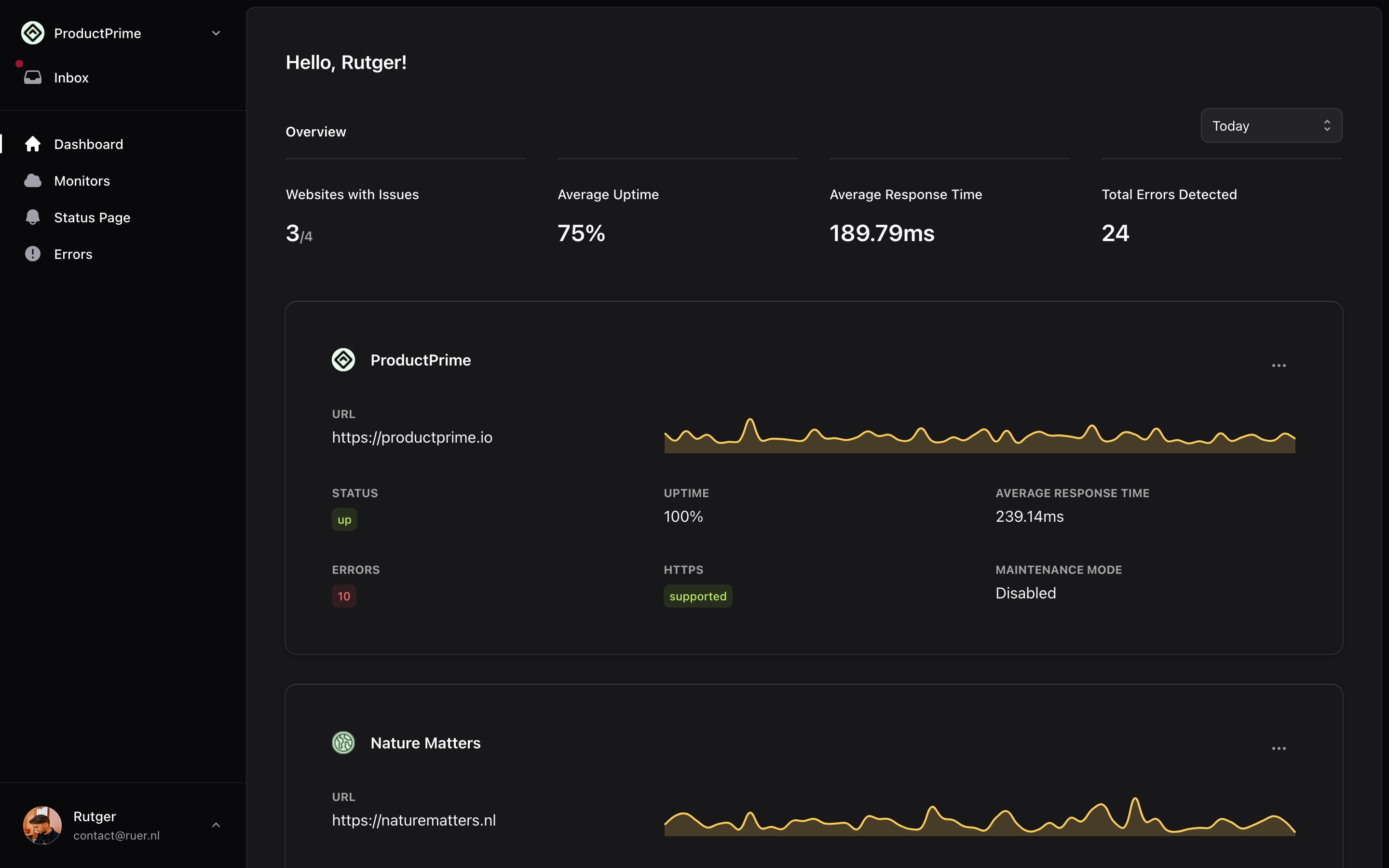
All your logs in one place
Centralized logging that makes debugging and monitoring a breeze. No more SSH-ing into servers to tail log files.
-
Centralized aggregation
-
Aggregate logs from your entire Laravel application in one place. Handle high-volume logging without breaking a sweat.
-
Real-time streaming
-
See logs as they are generated. Watch your application behavior in real-time without refreshing.
-
Level filtering
-
Filter by debug, info, warning, error, and critical levels. Focus on what matters most right now.
-
Channel support
-
Organize logs by source or component using Laravel log channels. Find entries from specific parts of your application.
-
Full-text search
-
Search across all your log messages instantly. Find that needle in the haystack when debugging issues.
-
Time range selection
-
Focus on relevant time periods with flexible date and time filters. Zero in on logs from specific incidents.
-
Date grouping
-
Logs organized chronologically for easy scanning. Quickly navigate through your application history.
-
Expandable details
-
Drill down into log context and metadata. See the full picture behind every log entry.
Get notified the moment an issue arises
Catch any issues quickly via our notification system. Choose where and how you want to be notified.
-
Inbox
-
All your notifications in one place inside your account. Makes it easy to keep track of everything.
-
Email
-
Get real-time alerts in your inbox, ensuring you’re always informed when issues arise—whether at your desk or on the move.
-
Telegram
-
Receive instant notifications via Telegram, keeping you updated and connected wherever you are.
-
Discord
-
Receive real-time alerts in your Discord channels, so you’re always updated when something goes wrong.
-
Slack
-
Stay updated with instant notifications in Slack, making it easier to stay on top of issues and respond quickly.
-
Microsoft Teams
-
Get real-time alerts in Microsoft Teams, helping you keep up with the latest updates and maintain smooth operations.
Super easy to use
It really only takes a few minutes to get started. We'll take it from there.
Enter your website URL
Simply enter the URL of your website or application. Website monitoring will start right away.
Install Sorane in your application
composer require usesorane/sorane-laravelRoute error reports to Sorane
Add the reporter to the withExceptions method in your bootstrap/app.php file.
->withExceptions(function (Exceptions $exceptions) {
    \Sorane\ErrorReporting\Facades\Sorane::handles($exceptions);
})->create();Add your API key to the .env file
SORANE_ENABLED=true
SORANE_KEY=your-api-key-here
SORANE_ERRORS_ENABLED=true
SORANE_EVENTS_ENABLED=true
SORANE_WEBSITE_ANALYTICS_ENABLED=false
SORANE_LOGGING_ENABLED=false
SORANE_JAVASCRIPT_ERRORS_ENABLED=false
That's it!
You're all set! You'll now receive a notification the moment an issue arises.
Start monitoring your Laravel applications today
Websites will go down, and errors will happen. With Sorane, you are sure to catch any errors and performance issues the moment they happen.
Takes 1 minute to get started.
No credit card required. Cancel anytime.